The Surf Stats screen gives you a snap shot of your surfing activity. You can view your statistics over the last:
- Week
- Month
- 6 Months
- Year
To see statistics you must have at least 1 session logged.
Accessing Your Surf Stats
Navigate to the Surf Stats screen.

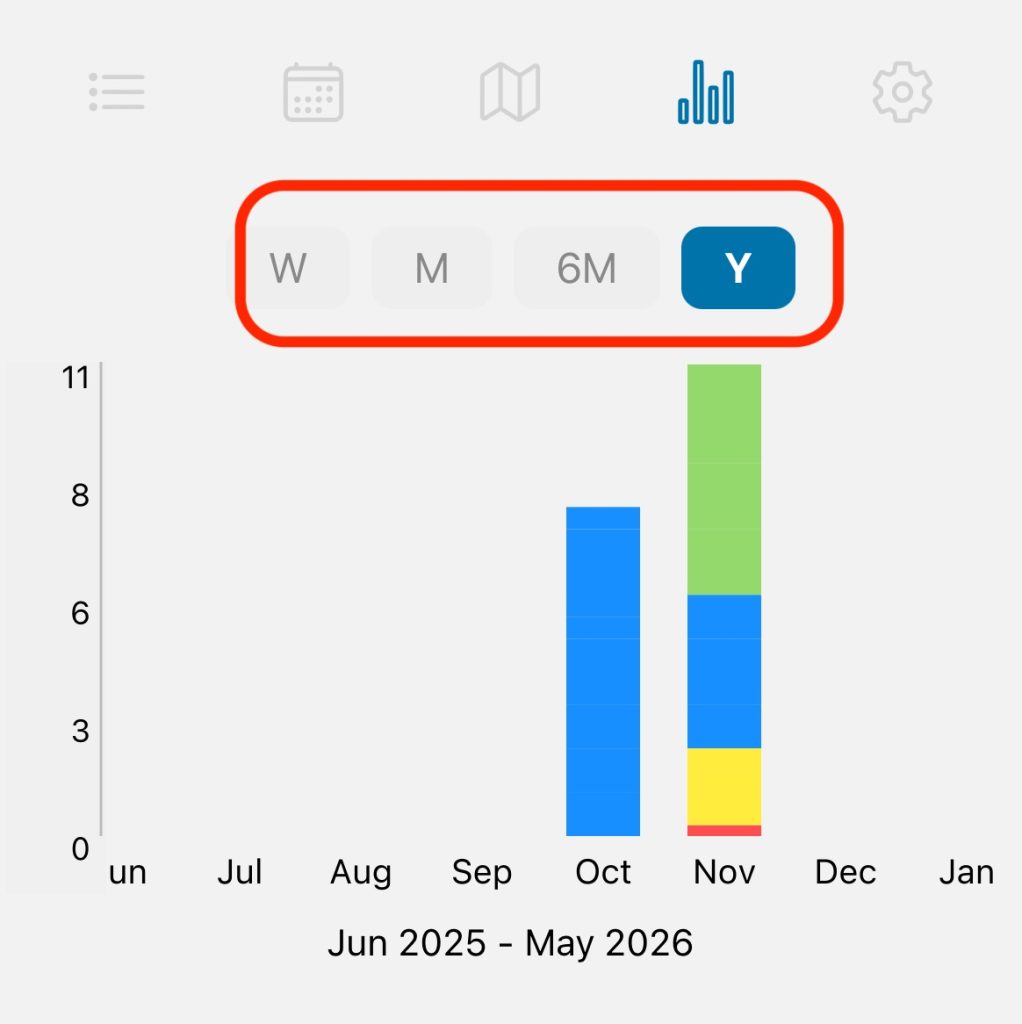
Select the time period for which you want to view your statistics.
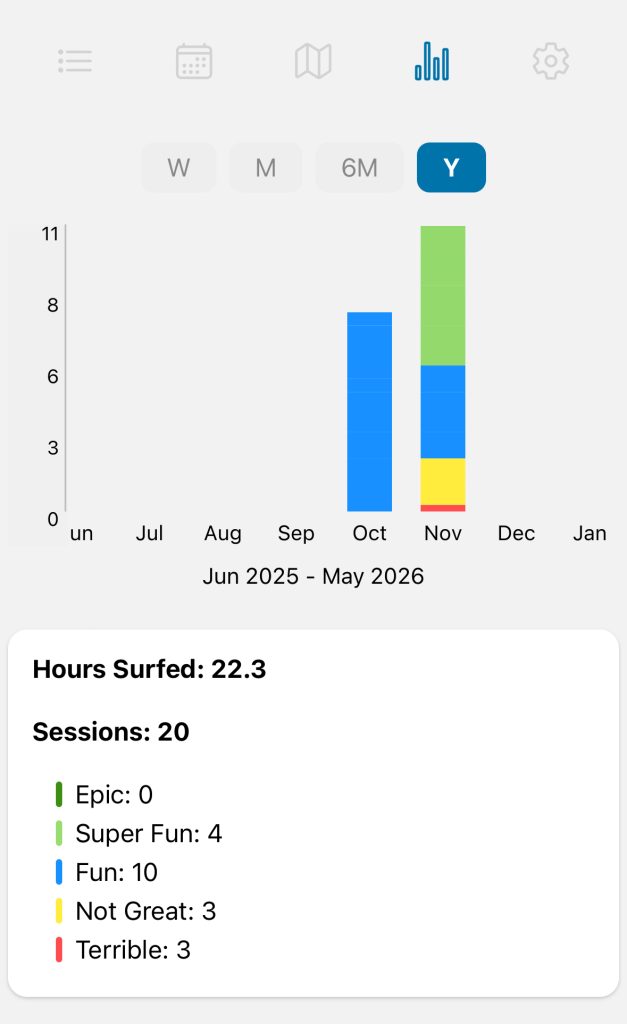
Week (“W”) and Month (“M”) selections will show your statistics by the day. 6-Month (“6M”) and Year (“Y”) will display your stats by the month.
You can see a more detailed breakdown for the chosen time period below the chart.
Leave a Reply